Verso
A beautiful, instant Markdown viewer and editor.
Double-click a .md file — it opens in well under a second and looks like a
finished document, not like source code.
verso — the left-hand page of an open book.
Why
| Typora | Beautiful, but closed and paid. |
| MarkText | Electron, ~150 MB, and years of dormancy behind it. |
| Obsidian | A vault-shaped knowledge base, not "just open this file". |
Verso is viewer-first: it opens instantly, renders beautifully, lets you edit in place, and never damages your file.
What it does
- Formats what it opens. JSON laid out or minified, CSV turned into a Markdown table — one undoable edit, from View → Format Document. Data files open as themselves, with their own highlighting, rather than being read as Markdown.
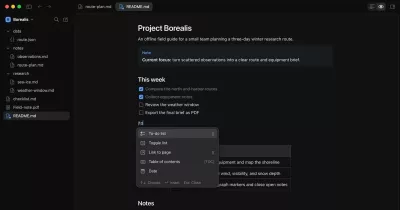
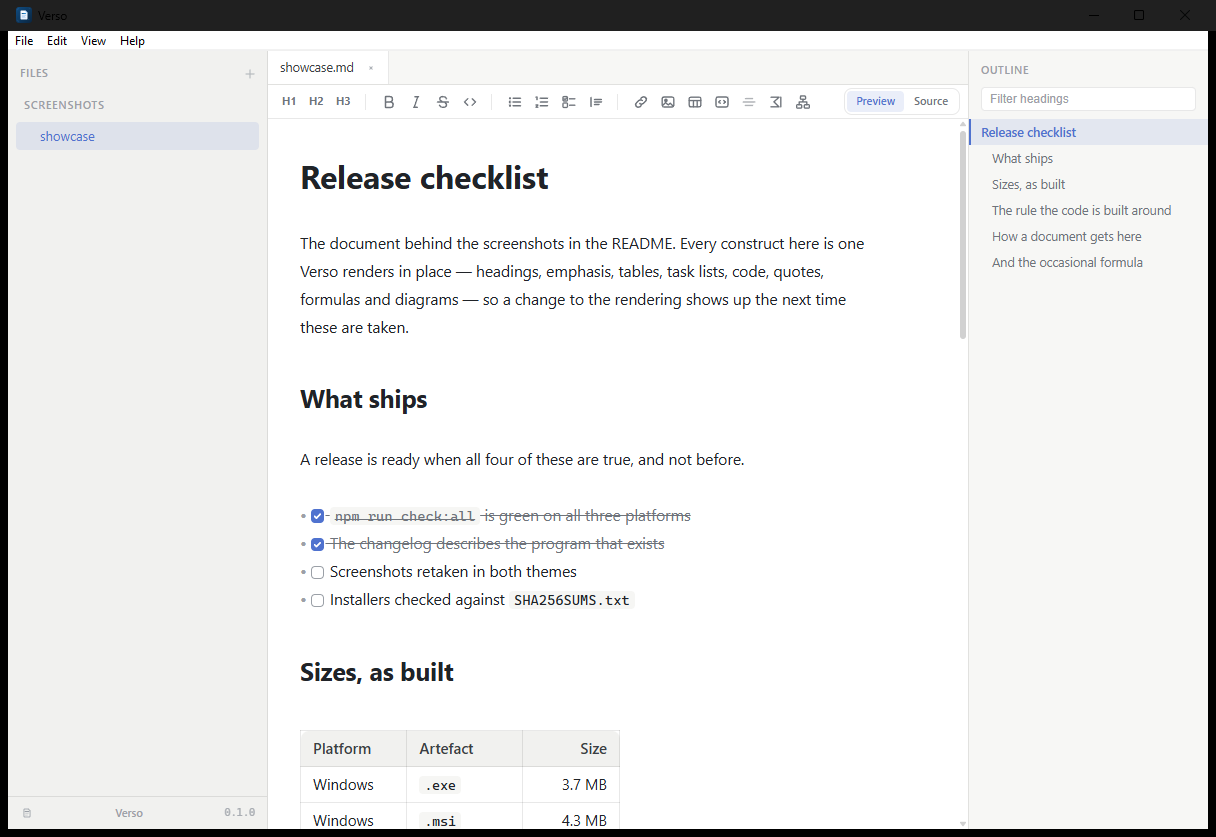
- Live preview like Typora. Markdown renders in place; the raw syntax appears only on the line your caret touches — and only once you actually start interacting, so a freshly opened document stays a clean reading page.
- Real tables, not aligned pipes. Column alignment, inline formatting in cells, click a cell to edit its source.
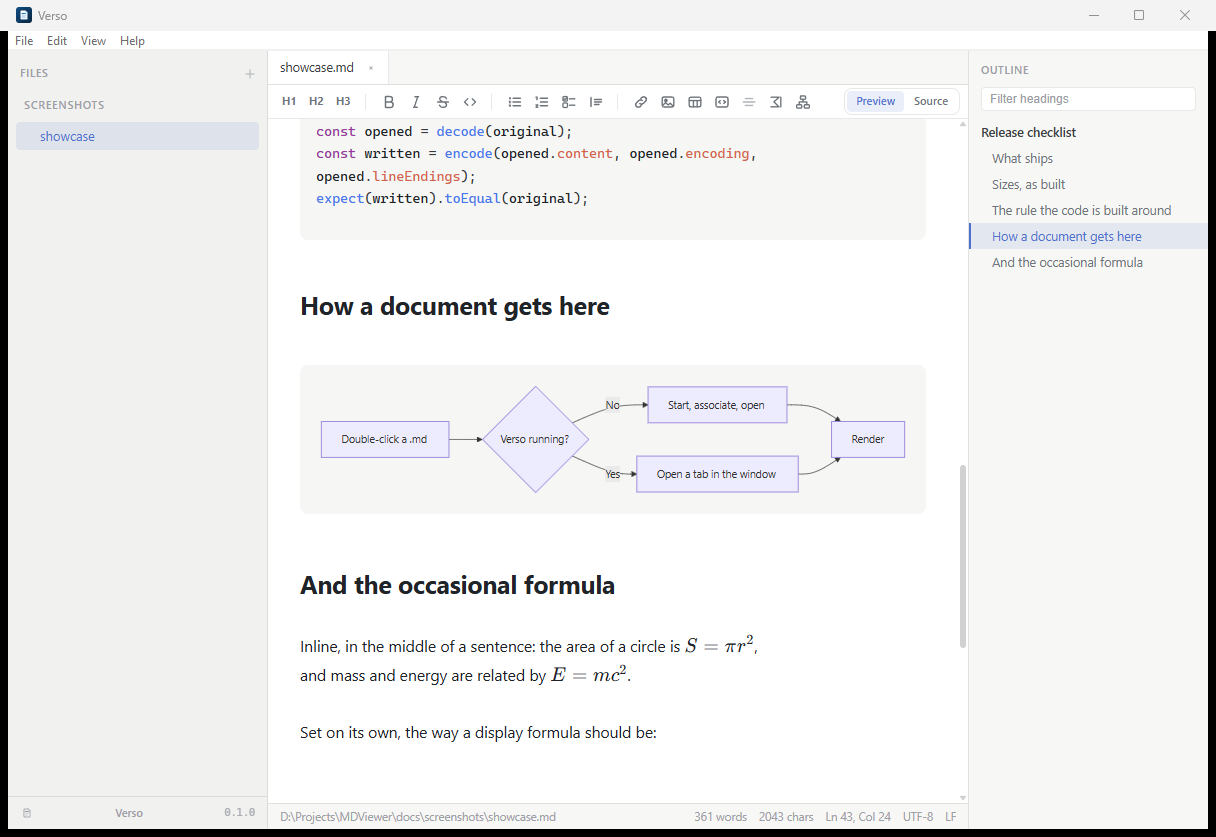
- Math and diagrams.
$E = mc^2$via KaTeX,```mermaidfences via Mermaid — both loaded only when a document needs them. - Tabs, folder tree, outline, find & replace, session restore, section folding, go-to-heading.
- Autosave when you want it — off, after a pause, or on focus change — and never on a file that changed underneath you.
- Export and print. A standalone HTML file that carries its own styles, pictures, diagrams and formulas — and the print dialog, which is where "Save as PDF" lives.
- Light and dark themes built from CSS tokens — write your own
and Verso repaints as you save the file. Five ship in
docs/themes/, including a Minecraft palette, a soft rose one, the little blue box and a herb garden; every colour in them is measured against WCAG rather than eyeballed. - Two documents side by side. Split the window with
Ctrl+Alt+\, drag a tab across, and each half keeps its own tabs, its own scroll and its own caret. The reading column grows with the window rather than staying a narrow strip on a wide screen. - The page beside the text.
Ctrl+Alt+Pputs the rendered document in the right half while you write Markdown in the left one — and it is rendered by the same code as the export, so what stands beside you is what the reader will get. - Plugins that add formatters, in about thirty lines. They run in a worker with no DOM, no file system and no network, and none of their code runs until you switch them on.
- Opens what other editors will not. UTF-8, UTF-16, and the eight-bit encodings everything written before UTF-8 is in: windows-1251, DOS 866, KOI8-R/U, ISO 8859-5, windows-1252 — saved back byte for byte.
- Spell checking, if you want it — the system's own dictionaries, in whatever languages your computer speaks. Off by default.
- Zoom the whole window (
Ctrl+=/Ctrl+-/Ctrl+0, orCtrland the wheel) from 50% to 300%. - English and Ukrainian interface, following the system language unless you choose one.
- 3.8 MB installer, ~40 MB of RAM. Tauri 2 and the system webview, no
bundled browser. (The Linux AppImage is the exception at ~79 MB — it carries
its own runtime; the
.deband.rpmare 4.5 MB.)
Your file is safe
- Saves are atomic — the file on disk is the old version or the new one, never a half-written mix.
- Encoding, line endings and BOM are preserved: open and save an untouched file and the bytes are identical.
- Unsaved text is mirrored to a draft, so a crash costs nothing.
- Files that change under you reload when the tab is clean, and ask when it isn't.
- Raw HTML in a document is displayed as text, never executed.
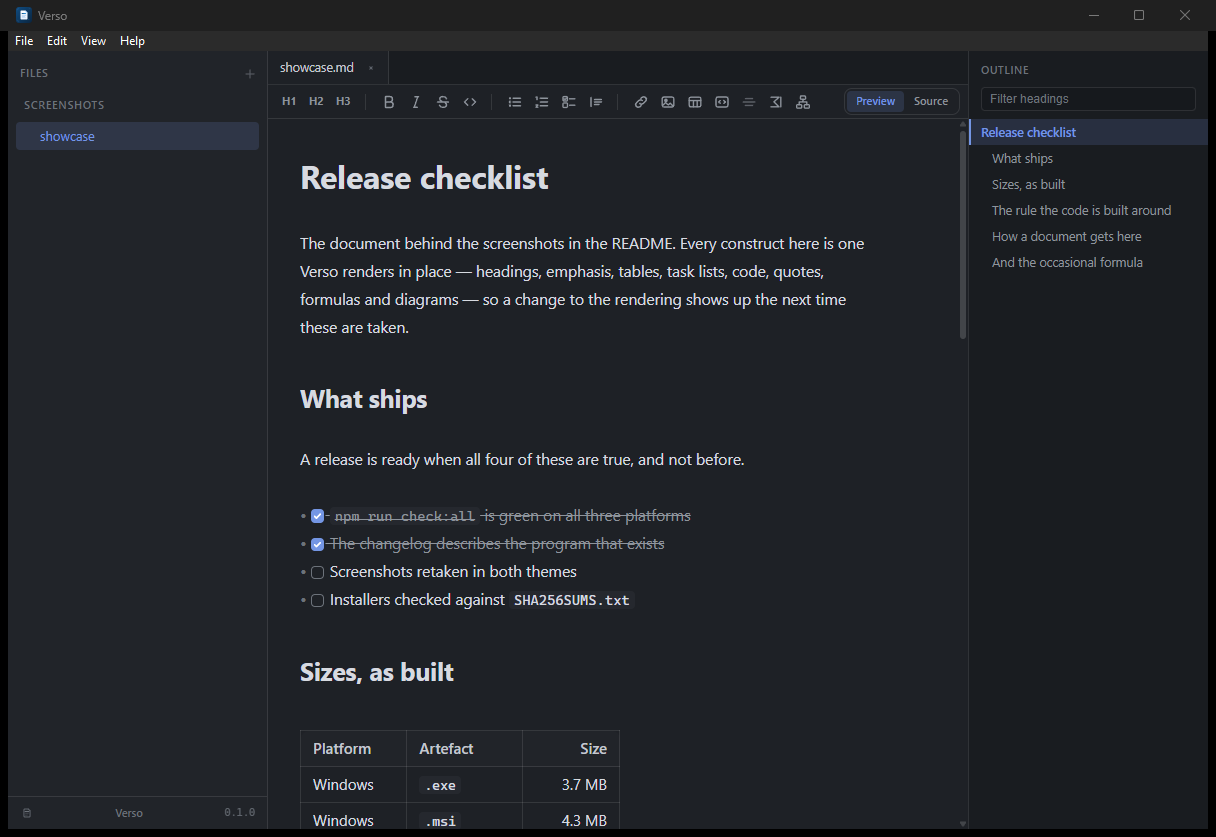
Math and diagrams render inline, and only load when a document actually uses them:
Install
Download the installer for your system from the latest release:
| System | File |
|---|---|
| Windows | Verso_0.7.3_x64-setup.exe (3.7 MB) or the .msi |
| macOS | Verso_0.7.3_x64.dmg, or _aarch64.dmg on Apple silicon |
| Linux | .deb, .rpm, or the .AppImage if your distribution is neither |
Every file is listed in SHA256SUMS.txt beside them; check it if you like:
sha256sum -c SHA256SUMS.txt.
Or build it yourself:
npm ci
npm run tauri build
Requires Node 22+ and a stable Rust toolchain. On Linux you also need
libwebkit2gtk-4.1-dev and the usual GTK build dependencies (see
.github/workflows/ci.yml).
About the warning you will see
The installer is not code-signed — a certificate costs a few hundred dollars a year, which is not something a free project carries. Windows SmartScreen will say "unknown publisher": choose More info → Run anyway. macOS will need right-click → Open the first time. If that is not a trade you want to make, building from source above gives you the same application without it.
Develop
npm ci
npm run tauri dev      # run the app with hot reload
npm run check:all      # lint, types, theme-token guard, unit tests, clippy
| Layer | Stack |
|---|---|
| Shell | Tauri 2 (Rust) — file associations, single instance, filesystem, watching |
| UI | Svelte 5 + Vite + TypeScript |
| Editor | CodeMirror 6 with a custom live-preview decoration layer |
Design documents live in docs/design/: architecture, the
IPC contract, the editor core, data-safety rules and the design system.
Decisions are recorded as ADRs.
Documentation
- User guide — shortcuts, saving, recovery
- Writing a theme — the token contract, and how to measure one
- Plugins — using them, and writing one
- Changelog
Status
0.6, released. Everything described above works, and is built and used on Windows every day: the Windows installer has been installed from the release and checked — file association, "Open with", and a clean uninstall. macOS and Linux are built by CI on every commit, and their installers have not yet been run by hand — treat those two as untested rather than unsupported, and please open an issue if something there is wrong.
Not there yet: folder-wide search, renaming or deleting files from the tree, and plugins that do anything other than formatting. See the changelog for the current limits.